How to Wire a Proximity Sensor to a PLC: Step-by-Step Guide
Before You Start
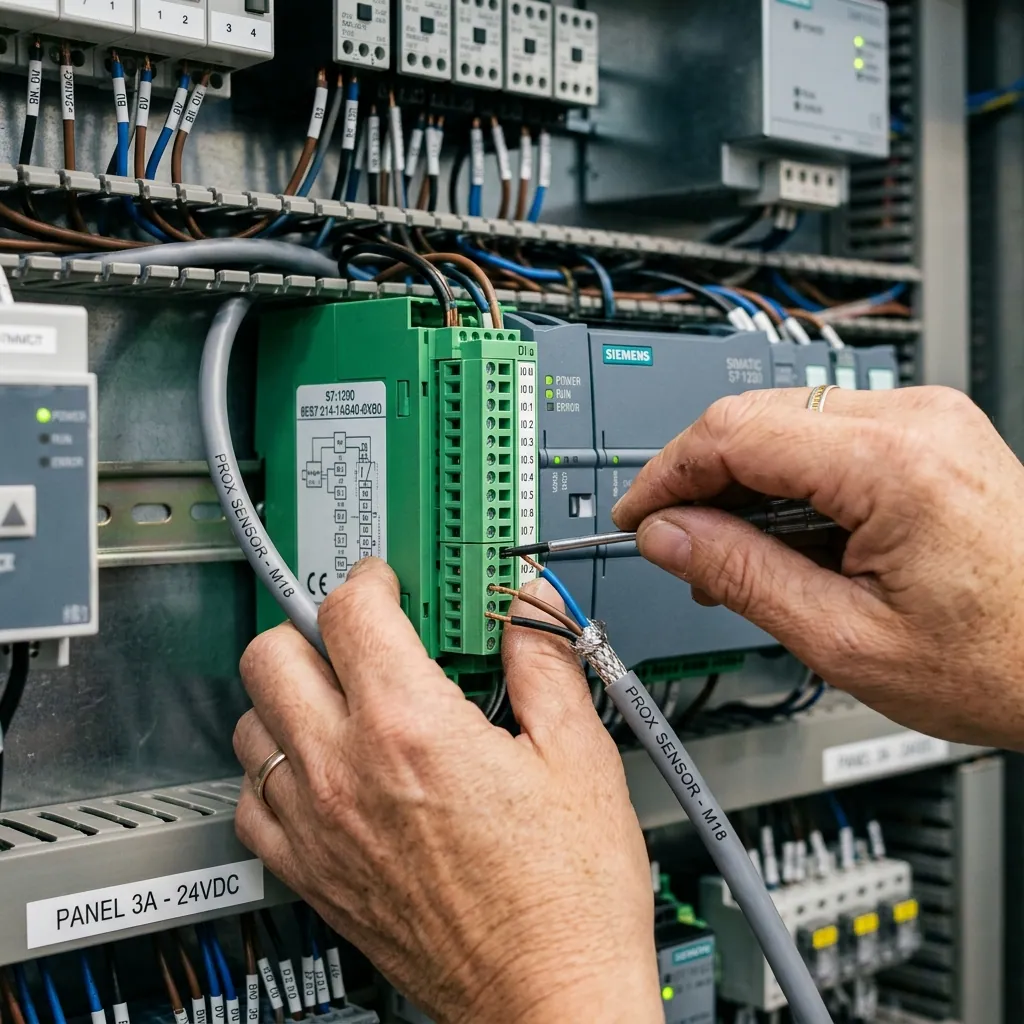
Before wiring, identify these three things: - Sensor type: NPN (sinking) or PNP (sourcing) - PLC input type: Sinking or sourcing inputs - Wire colors: Brown (+V), Blue (0V), Black (signal output), White (NC output if 4-wire)
Wiring a PNP Sensor to a PLC
PNP sensors are the most common choice for modern PLCs (Siemens, Allen-Bradley, Mitsubishi, Delta).
Connection: - Brown wire → +24V DC power supply - Blue wire → 0V (GND) of power supply - Black wire → PLC digital input terminal - PLC input common → 0V (GND)
How it works: When the sensor detects a target, the black wire outputs +24V to the PLC input. The PLC reads this as HIGH/ON.
Wiring an NPN Sensor to a PLC
NPN sensors are used with PLCs that have sourcing inputs (common with Omron and some older systems).
Connection: - Brown wire → +24V DC power supply - Blue wire → 0V (GND) of power supply - Black wire → PLC digital input terminal - PLC input common → +24V
How it works: When the sensor detects a target, the black wire pulls the PLC input to 0V (ground). The PLC reads this as HIGH/ON.
Common Wiring Mistakes
- Reversed polarity — Connecting brown to 0V and blue to +24V. This can damage the sensor. Always check: Brown = +V, Blue = 0V.
- Wrong sensor type for PLC — Using NPN sensor with a PLC that expects PNP (or vice versa). The sensor will detect objects but the PLC won't register the signal.
- Missing common connection — The PLC input common must be connected to complete the circuit.
- Cable too long without shielding — For runs over 10 meters, use shielded cable to avoid electrical noise interference.
Testing Your Connection
- Power on the system
- Place a metal target in front of the sensor
- The sensor LED should light up (confirms detection)
- Check the PLC input status — it should show ON
- Remove the target — PLC input should show OFF
4-Wire Sensors (NO + NC)
Sri Vaarii's 4-wire sensors provide both NO and NC outputs simultaneously: - Brown → +24V - Blue → 0V - Black → NO output (normally open) - White → NC output (normally closed)
Connect whichever output your application needs to the PLC input.
Need Help?
If you're unsure which sensor type works with your PLC, contact our technical team. We can recommend the right sensor and even provide custom cable lengths for your panel layout.
Looking for reliable industrial solutions?
Explore our catalog of high-quality industrial components manufactured directly in Coimbatore, India.
View Product Catalogarrow_forward